
QUICK ANSWER
A good POS system for a Ugandan shop records every sale with how it was paid (cash, mobile money, card or credit), updates stock instantly, works on a phone or tablet when the internet drops, sends receipts on WhatsApp, and shows the owner every branch from one screen. It should stop a sale below cost and keep a record of who did what. Ask to see it working with your own products before you pay.
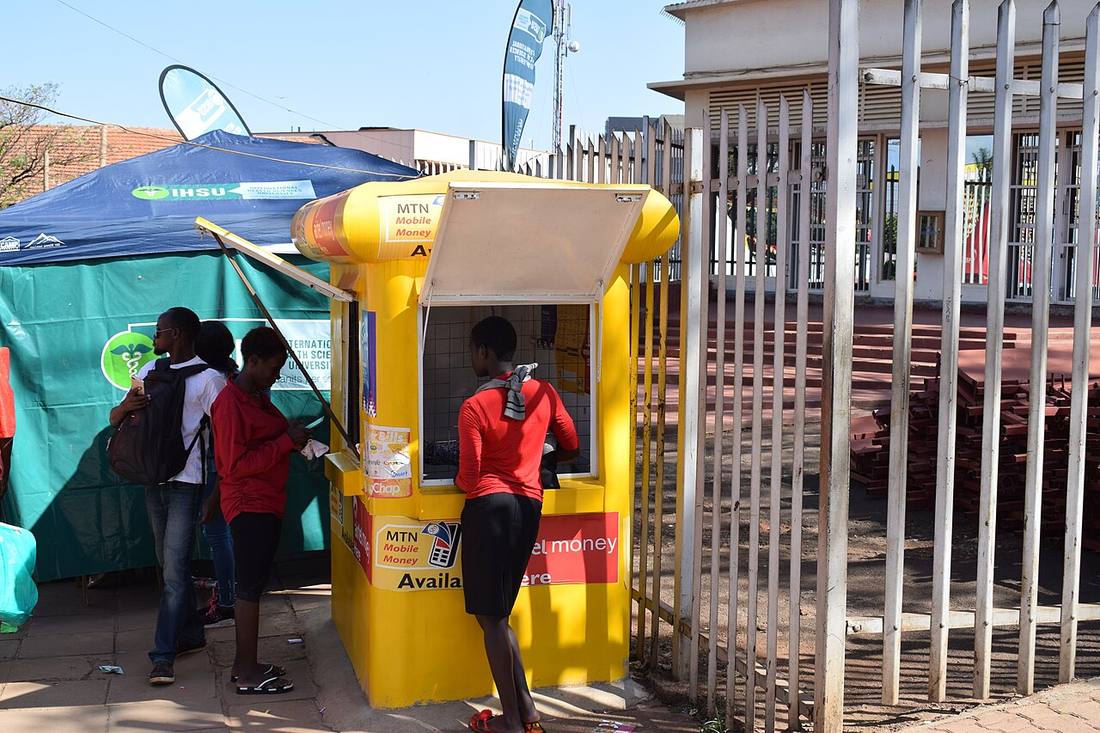
Mobile money has changed how Ugandan shops get paid. There were about 36.7 million active mobile money accounts by early 2026, according to the Ministry of Finance. Big retailers are adding card and mobile money terminals too; Carrefour Uganda recently rolled out smart POS terminals accepting cards and mobile money.
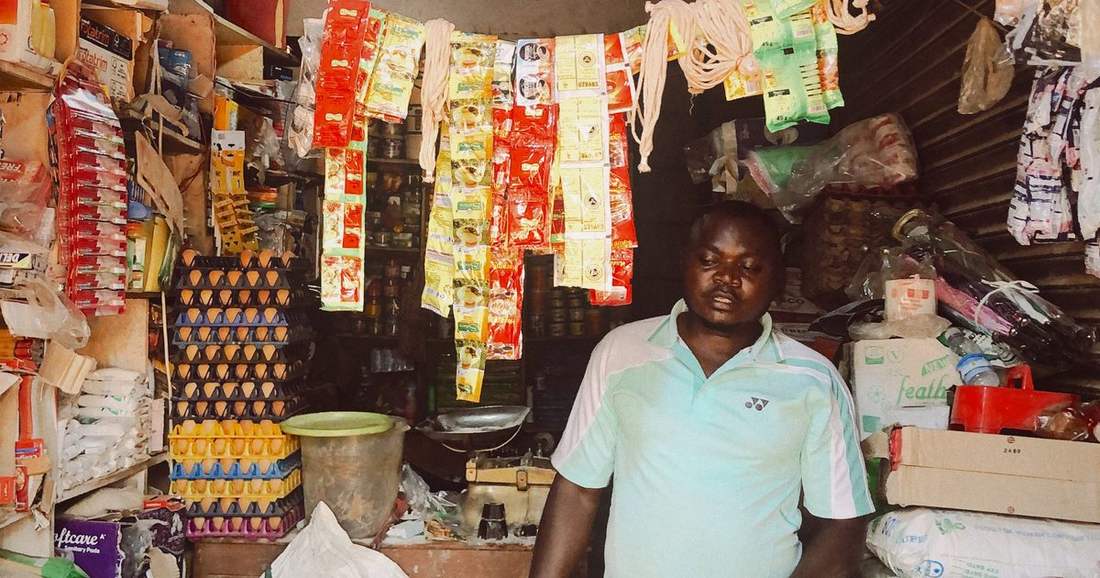
Most small and medium shops still record sales in a book, or not at all. A POS system is often the single biggest step a shop owner can take towards knowing their numbers.
What a POS system should do
1. Record every sale and how it was paid. Including split payments: part cash, part MTN, part Airtel. Your end-of-day total should match what is in the drawer and on your phones.
2. Update stock with every sale. So you always know what is left, and what is about to run out.
3. Stop costly mistakes. A warning, or a block, when someone tries to sell below cost or give an unapproved discount.
4. Handle credit. Customers who pay later, with balances and due dates.
5. Send receipts on WhatsApp. Customers lose paper. A WhatsApp receipt brings them back and proves the sale.
6. Work offline. Power and internet go off. Sales must save and sync later.
7. Show all branches in one place. If you have two shops, you should see both from your phone, and move stock between them.
8. Know who did what. Each cashier with their own login, so every sale, refund and discount has a name on it.
Hardware: what you really need
You do not need an expensive terminal to start. Many shops run a POS on a smartphone or tablet they already own, adding a small receipt printer or barcode scanner later. Buy hardware for the volume you have, not the volume you hope for.
Questions to ask before you buy
- Can I try it free with my own products?
- Does it handle cash, mobile money and credit in one sale?
- What happens when the internet goes off?
- Can I see sales from my phone when I am away from the shop?
- Can it stop sales below cost?
- Can I export my data if I leave?
- What does it cost each month, all in, per branch?
What it should cost
Avoid big upfront licences for a small shop. A monthly subscription per branch, with a free trial, lets you stop if it does not work. Add up the real cost of not having one: one week of stock walking out unrecorded usually costs more than a month's subscription.
Example (put in your own figures): a shop selling Shs1.5 million a day loses 2% to unrecorded sales and wrong change.
- Lost a day: Shs30,000
- Lost a month: about Shs780,000
- A POS that closes most of that gap pays for itself many times over.
Getting your shop onto a POS
- List your products with cost and selling price. Start with your top 50 sellers.
- Count your stock once, properly, to set the starting quantities.
- Train each cashier with their own login.
- Run it alongside your book for a week, then switch.
Our guide on how to know if your business is making a profit shows what to do with the numbers once you have them.
EFRIS: when your POS must talk to URA
URA's Electronic Fiscal Receipting and Invoicing Solution (EFRIS) is now part of choosing a POS.
- Who must use it: every VAT-registered business has had to issue e-invoices through EFRIS since January 2021. Since July 2025, businesses in twelve designated sectors, including food service, accommodation, construction, transport and real estate, must use it even without VAT registration, unless their sales are below Shs10 million a year.
- How it connects: URA offers its web portal, approved electronic fiscal devices, or direct integration of your sales system through an API, which suits shops with many transactions.
- Why customers care: businesses generally cannot claim an expense bought from a designated supplier without an e-invoice, and VAT-registered buyers need one to recover input VAT. Corporate customers will ask.
- A 2026 benefit: payments supported by an e-invoice or e-receipt are now exempt from VAT withholding, which can improve your cash flow on sales to large buyers.
Add this question for any POS supplier: if we are, or become, required to use EFRIS, how does your system issue e-receipts, and what does it cost? A retail shop below the VAT threshold (Shs300 million a year from July 2026) and outside the designated sectors is not yet required to use EFRIS, but it should know its path before it grows into it.
Frequently asked questions
What is the best POS system for a small shop in Uganda?+
One that records cash, mobile money and credit in the same sale, updates stock instantly, works offline, sends WhatsApp receipts and lets you see the shop from your phone, at a monthly price with a free trial.
Can I use my phone as a POS in Uganda?+
Yes. Many shops run a POS on a smartphone or tablet and add a receipt printer or scanner later.
Does a POS system work without internet?+
A good one does. Sales save on the device and sync when the connection returns.
How does a POS system reduce theft?+
Every sale, discount and refund is recorded under a cashier's name, stock updates with each sale, and the day's takings can be checked against the drawer and mobile money.
Does my shop need EFRIS in Uganda?+
If you are VAT-registered, yes. If you are not VAT-registered but operate in one of URA's twelve designated sectors, such as food service, accommodation, construction or real estate, you also need it unless your sales are below Shs10 million a year.